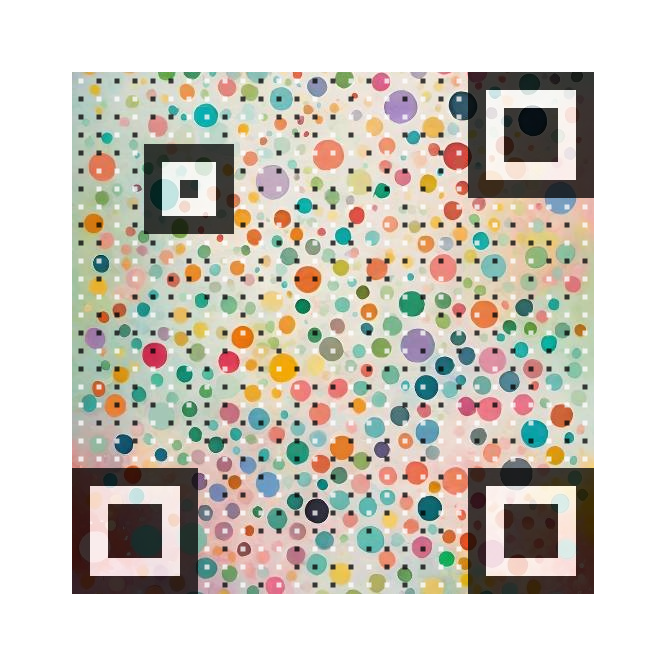
Perfect for networking events
Make a lasting impression at networking events and conferences.
- Your professional image is prominently displayed
- Contact details are instantly accessible
- Works with any smartphone

Important tip: Always test your QR code in the environment where it will be used. Try scanning it with different devices and under various lighting conditions to make sure it works reliably for your audience.
Tired of generic QR codes that look like everyone else’s? Try our custom QR codes that are not only functional but also visually appealing!

Skip the generic look. Create a visual QR code that reflects your brand, style and design.

Make your pictures interactive. Add information to any picture by putting it in the background of your QR codes.

The QR codes you generate will always work. No subscriptions, no hidden fees, no surprises.

Enjoy next‑gen QR codes for free. No payment required, no signup required — just generate and download.

While the free QR codes already look astonishing, you can unlock advanced features with our paid plans. By that, you also support the development of this project.

Make a one‑time purchase and generate as many QR codes as you like.
Make a lasting impression at networking events and conferences.
Be the most memorable person at your next networking event!
Limited space on your business card? No problem! Add a vCard QR code for instant contact sharing.

Combine professional networking with visual appeal.